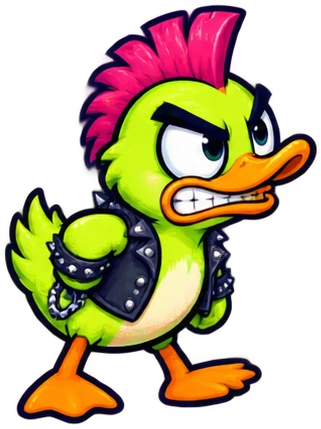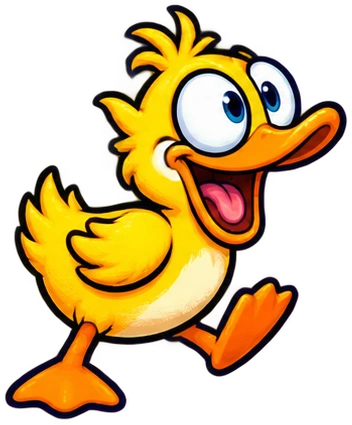
HOST ONCE. QUACK TOGETHER.
One host opens the shared screen. Two to eight ducks join by QR or five-letter code. Add bots in the lobby. No account needed.
You need a duck name. A math degree is optional.
A minute of training now. An extremely confident mistake later.
One host opens the shared screen. Two to eight ducks join by QR or five-letter code. Add bots in the lobby. No account needed.
Pick a shape, adjust its sliders, and inspect the live path. More Tricks opens the rest of the eight templates. A Helping Wing can try a duck or a map stop.
Lock before the timer ends. You can unlock while planning. Unsubmitted shots get an automatic route at timeout. An airborne rocket survives its owner’s knockout.
Your duck’s body and head count. Hats, glasses, and accessories do not change the hit area.
It includes known map effects, gear, and active statuses. It ends at an unknown Chance card and cannot predict another duck’s rocket clash.
Start with the basic shapes. More Tricks reveals the rest of the eight templates. Adjust the labeled sliders, then inspect the route.
A map stop can be your destination while a different duck remains the recipient of a chosen-duck card.
In Type a Function, enter your own formula. Tap a colored number to open its slider, ± buttons, or exact value field.
Tab moves between controls. Arrow keys nudge a focused slider. Enter applies an exact value.
x is forward distance from your duck. Choose left or right separately. 0.5*x rises; -0.5*x falls, before map effects.
The rocket follows f(x) − f(0). Adding a constant does not move its starting point. Functions move forward; they cannot loop backward.
Use Big Screen on the host. If the browser declines, try its fullscreen command: F11, or Control–Command–F on Mac. Esc exits.
Open the sound button above for music, effects, announcer, volume, and reduced motion. Captions remain. Tap once if the browser has not unlocked audio.